Table of Contents
Points Miles and Bling (blog) contains referral or affiliate links. The blog receives a small commission at no additional cost to you. Thank you for your continued support. Credit Card issuers are not responsible for maintaining or monitoring the accuracy of information on this website. For full details, current product information, and Terms and Conditions, click the link included.
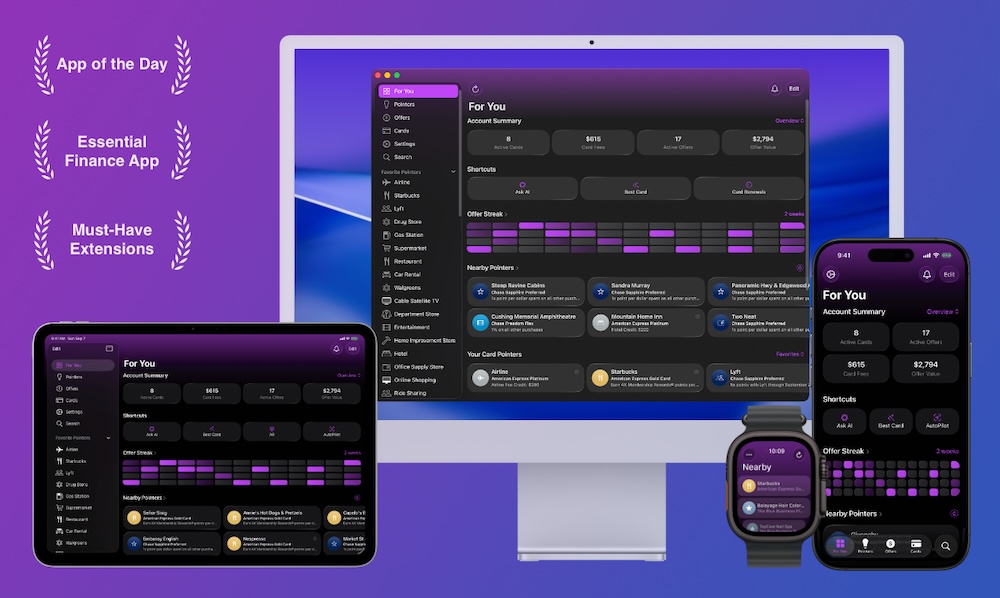
Cardpointers is an app that lets you automatically enroll credit card offers on your card without clicking through each one, and also makes it easy to check which card has the offer when you’re making a purchase. After using it for a while, I’ve realized it’s actually incredibly useful and a fantastic tool to help you not leave money on the table by taking advantage of all your credit card offers.
You do have to spend a little for the convenience, and luckily, CardPointers is currently offering the Big Spring Sale, where you can save 50% off the normal price. And if you buy Lifetime access through this link, you’ll receive a $200 Savings Card as a sign-up bonus, making your CardPointers+ upgrade effectively free! This limited-time opportunity is available until March 31, 2026.
Our Affiliate Link for Cardpointers – CardPointers+ works with both U.S. and Canadian cards.

CardPointers Big Spring Sale
How Does CardPointers Work?
CardPointers works through two parts: an app and an extension. The CardPointers app is available on basically every platform, including Apple Vision Pro. I’ve been using the Mac and iOS app and both work great.
The browser extension is where the magic happens: after the extension is installed and you log in to your Amex account, Cardpointers will automatically pop up and ask if you want to enroll.
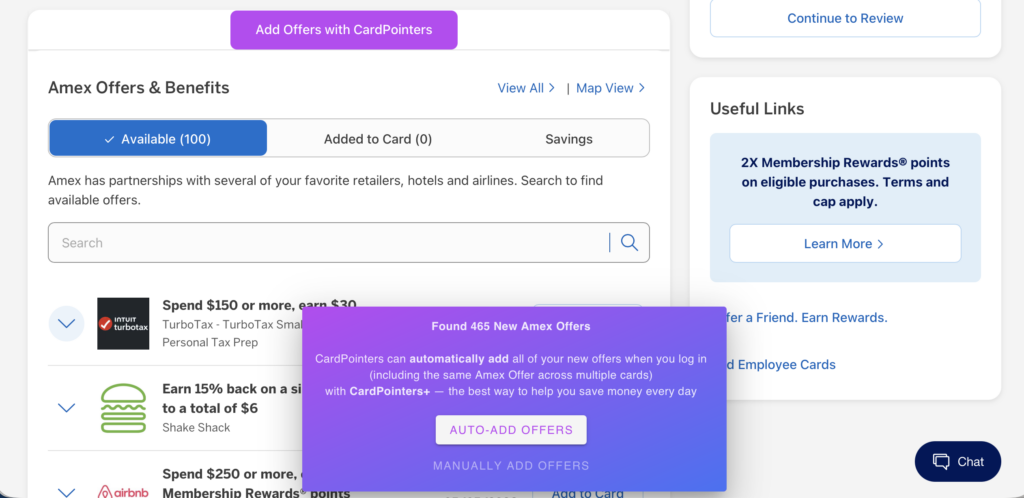
Upon clicking “auto-add offers”, Cardpointers starts enrolling every single offer available on every single card. For my 465 new offers, it took about two minutes. As someone who used to spend time each week adding new offers to my Amex cards, I’ve seen significant time savings.
Also, Amex will frequently have more than 100 offers available, but won’t display new offers unless some of the existing ones have already been added to the credit card, so it’s in your favour to frequently add new offers to your card even if you don’t intend to use it.
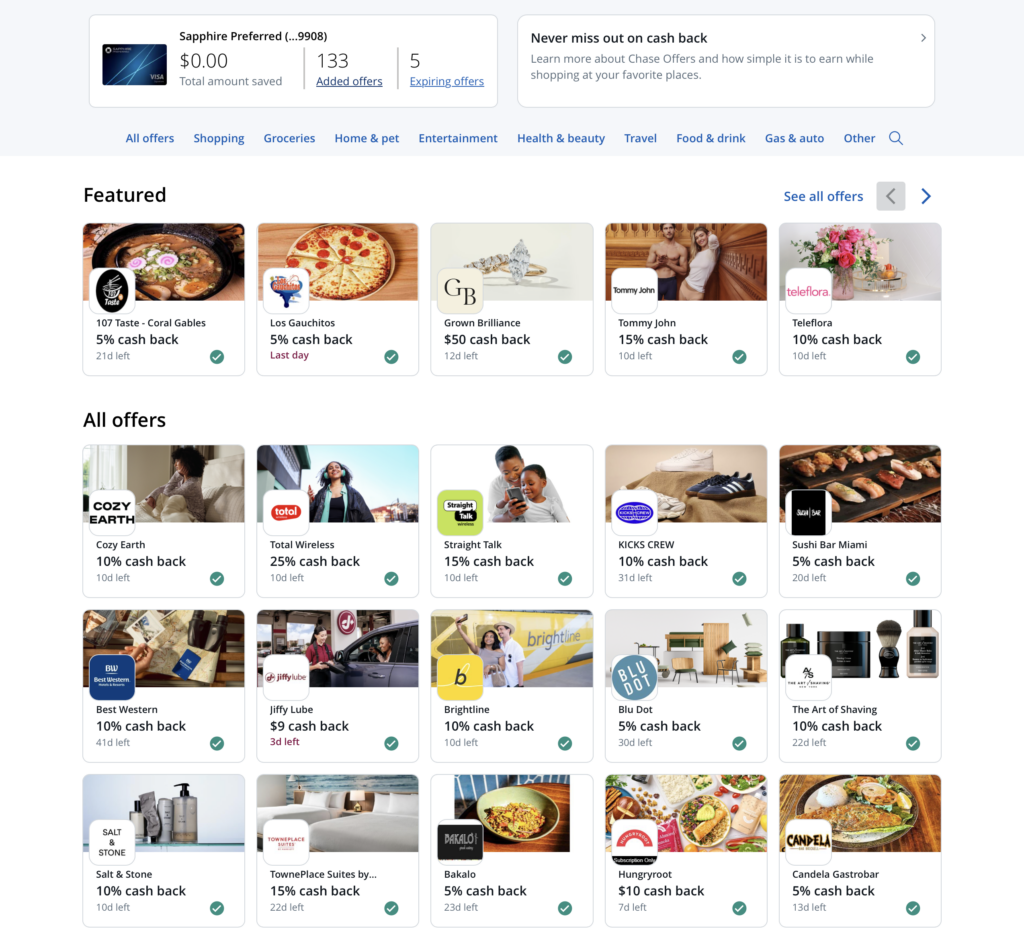
Outside of Amex, CardPointers also works for Chase, Bank of America, and Citi.
Use Case 1: Check Offers When You’re Out and About
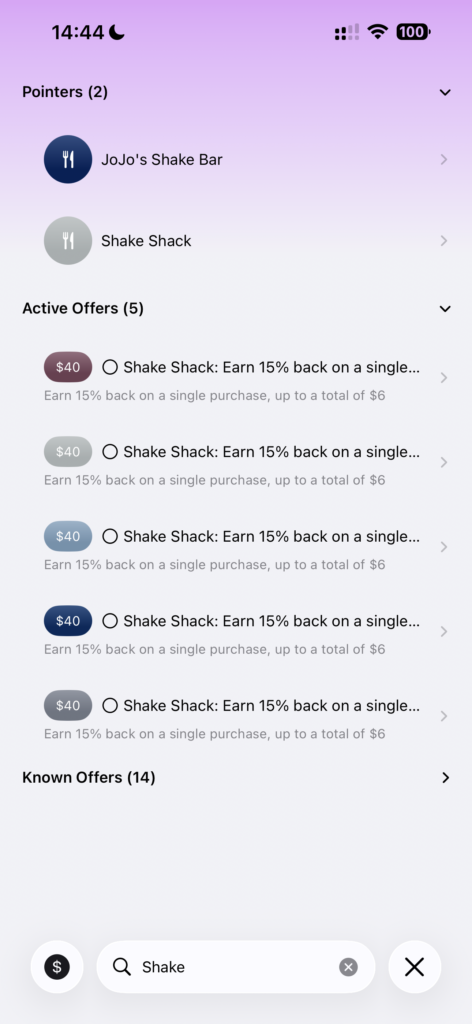
All these offers are now also available in the Cardpointers mobile app. Yesterday, I went to Shake Shack for dinner. I know I had an Amex Offer, so my usual process is to open the Amex app to check which card has it, click “Add to Card,” and then double-check the credit card to make sure I’m paying with the right one.
My new workflow involved opening the CardPointers mobile app, searching for “Shake Shack” in the Offers section, clicking it, and then seeing at the top which credit card I should use. Plus, I know that the offer is already enrolled on my card, so there’s no need to open the Amex app at all.
Search “Shake Shack”
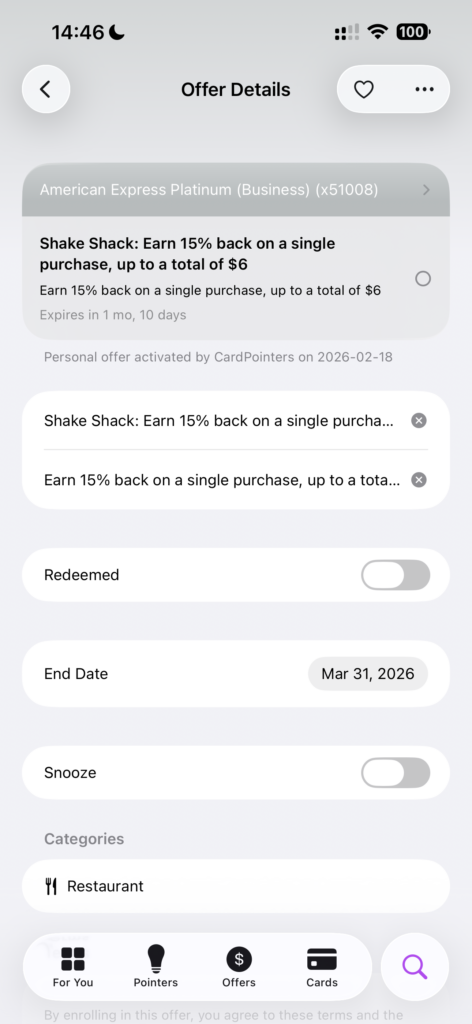
Click into offer for details
You can also click the heart in the top-right corner to add the offer to your favourites list, which makes it easy to find later. I’ll do this with offers I know that I’ll use.
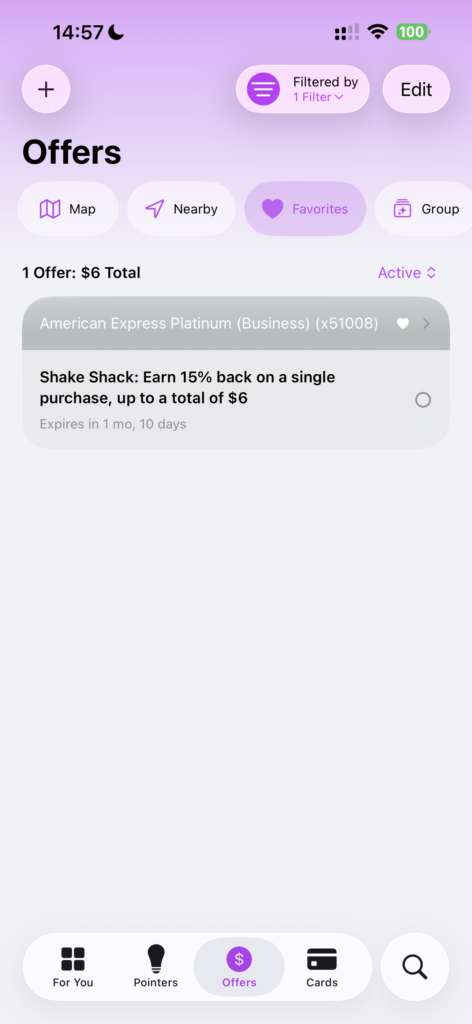
Favourite offers
Use Case 2: Check Offers When Shopping Online
The browser extension lets you search for offers directly, so it makes sense to run a quick check whenever you’re considering an online purchase.
Last week, I went up to Fort Lauderdale (from Miami) to meet a friend for dinner and needed to buy Brightline train tickets. If I remembered to do so, I would open all my banking apps and click through to see if I had a Brightline offer, then make sure I enroll my card and use that card when completing my booking.
More likely, I would forget altogether and miss out on savings. In the past, there have definitely been times when I neglected to review all my offers.
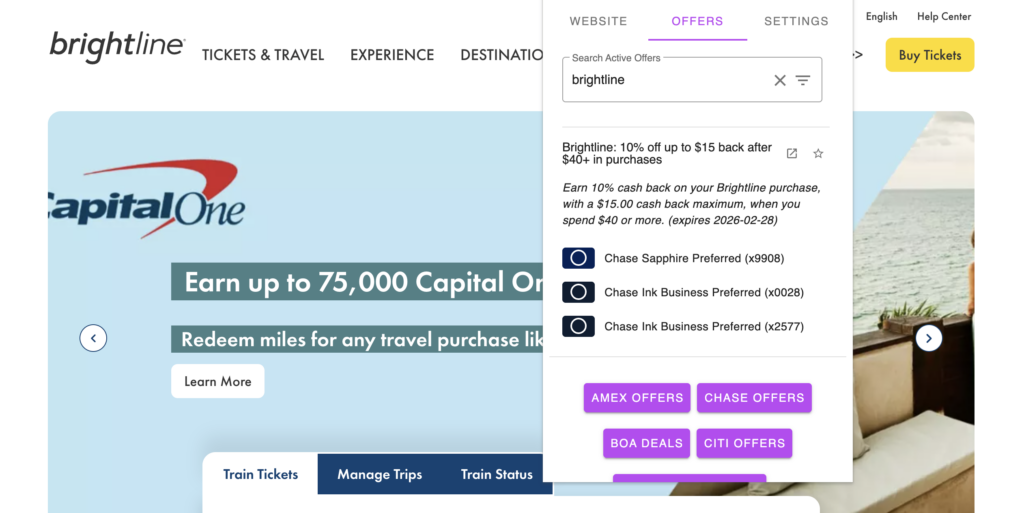
With the CardPointers browser extension, it took about two seconds to search for “Brightline” in the offers section, click on it to expand the options, and see which card(s) I should use.
Other Features
Adding and using credit card offers is by far the most useful feature of the CardPointers+ product, but there are a few additional features you can make use of. For each credit card, CardPointers will display the sign-up offer, track your 5/24 status, and display the best credit card to use on your phone lockscreen based on your location and the cards loaded into CardPointers (iOS only).
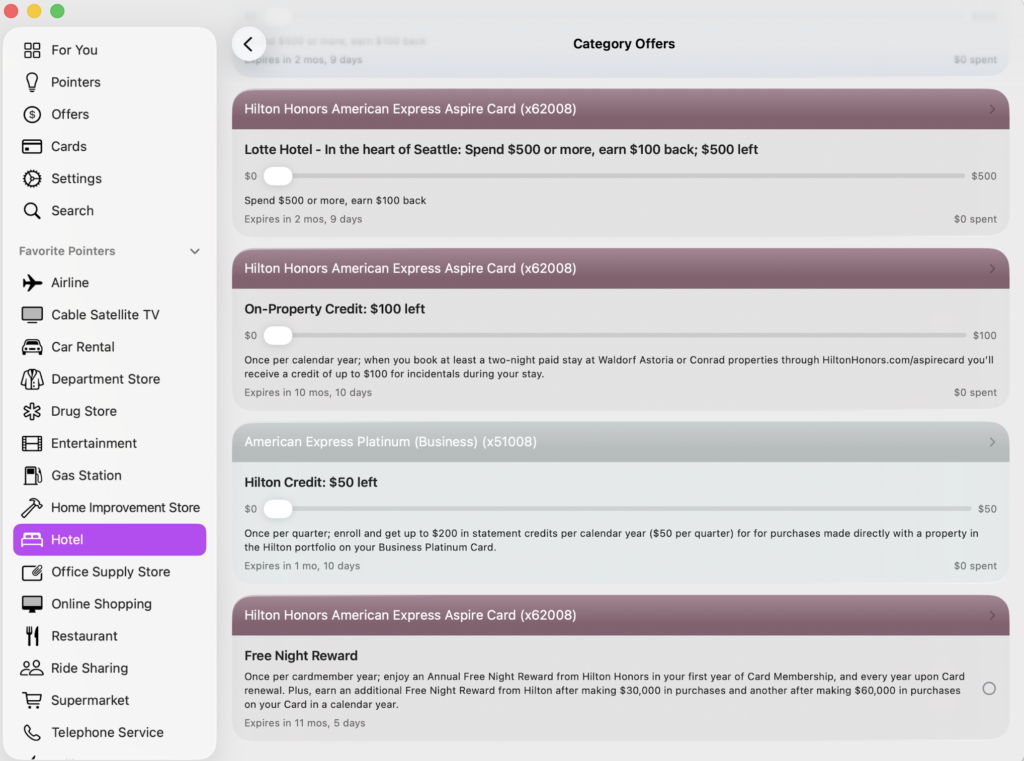
CardPointers knows about my Hilton Free Night Award
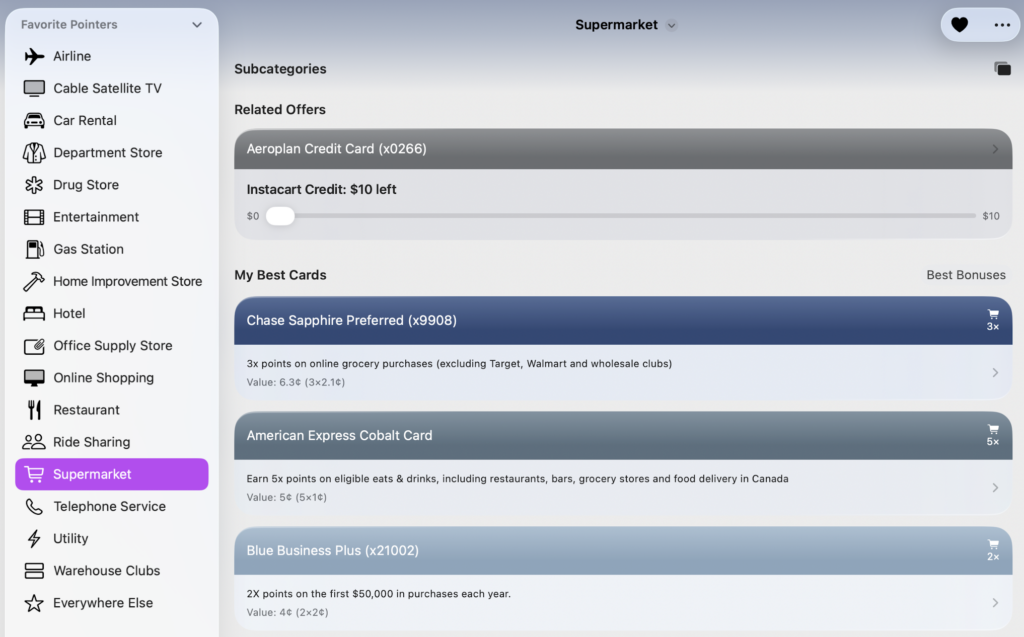
You can also click into certain categories, and CardPointers will show the best card to use to maximize everyday earnings. When it comes to choosing the best card, CardPointers uses a “value” with a default assigned to each points currency that you can also customize and the recommended cards will be sorted accordingly.
Here, it showed the Chase Sapphire Preferred over the Amex Cobalt, even though it correctly displays that the Amex Cobalt earns 5x at supermarkets, because the default value for Amex MR in Canada is 1 cent, while Chase Ultimate Rewards is set to 2.1 cents.
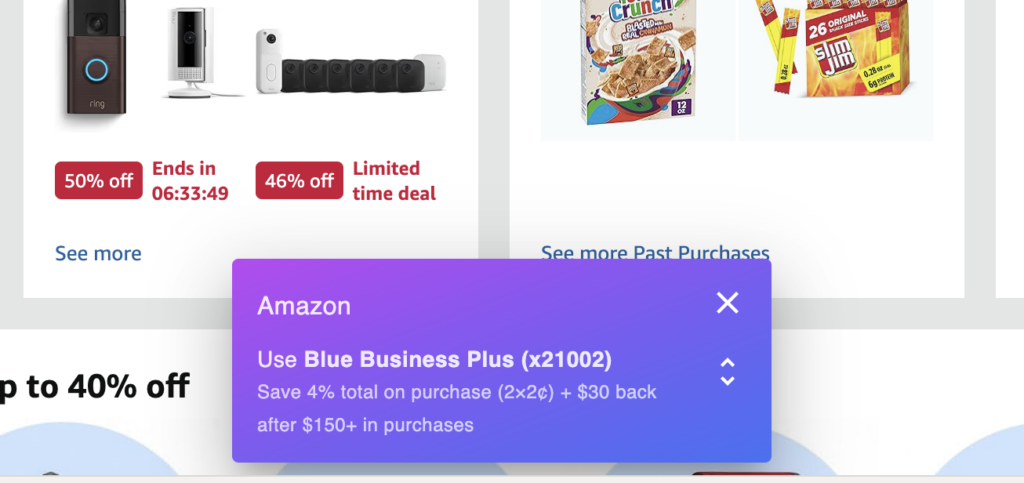
Cardpointers will also display a pop-up when you’re browsing online, showing the credit card with the highest earn rate for that category, but it doesn’t take into account your credit card offers, so make sure to use the browser extension to double-check that you don’t have an eligible offer on a different credit card.
Takeaway
CardPointers is one of those “you don’t miss it until you’ve had it” products, and I’m overall very pleased with how easy it is to use on the mobile app, Mac app, and browser extensions between Safari and Chrome.
My recommendation would be to sign up and subscribe for a year, then check how much money you’ve saved with credit card offers and how much of that you would’ve missed out on had you not used CardPointers; be honest, I know you’re not checking your credit card offers for every purchase.
Our Affiliate Link for Cardpointers
